
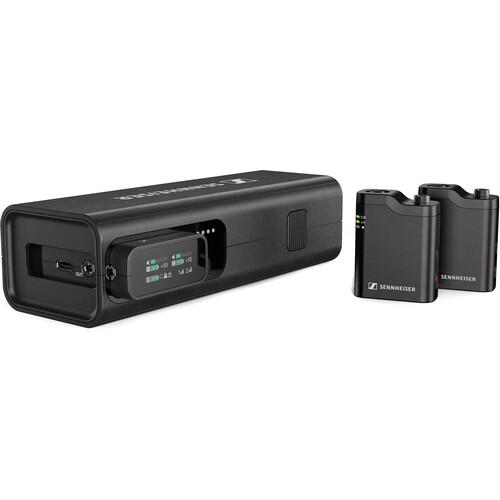
Sennheiser - Microfone Profile Wireless - Sistema de áudio & gravador para câmera e smartphone (2,4 GHz)
In stock$279.00
Start with the microphone path, add a recorder that matches the number of people, then plan monitoring, camera and light only when the format calls for them. These are suggested pieces from the live USA catalog, not a confirmed package for your room.
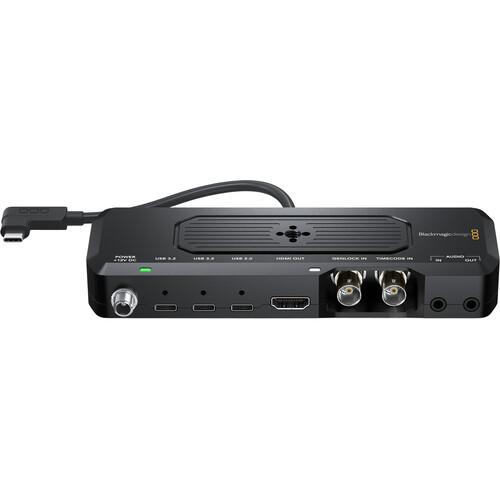
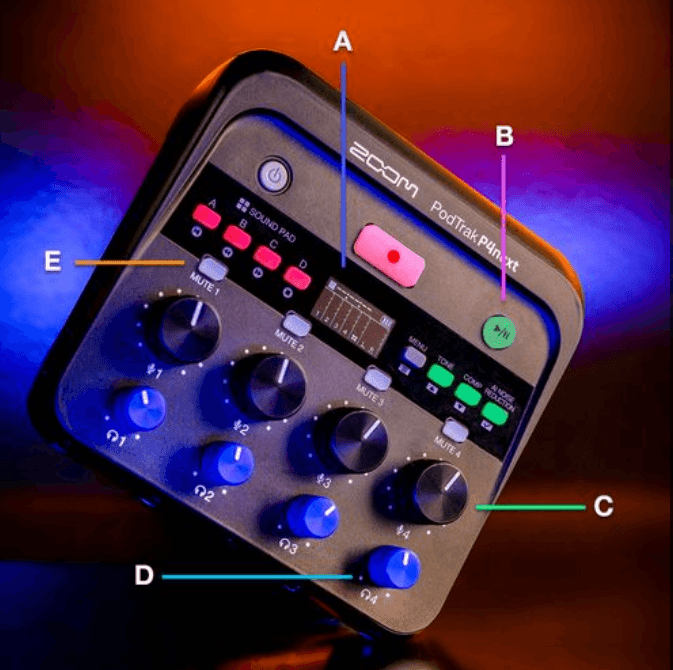
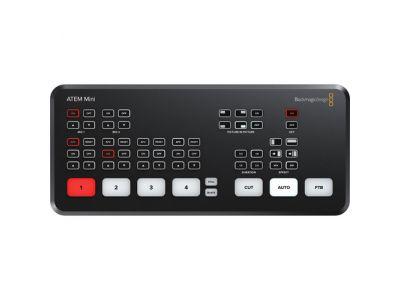
A reliable conversation begins with what each speaker hears and what the recorder captures. For one host at a computer, a USB microphone can be a compact first step. A room with several speakers needs a planned input for each person, a way to monitor each feed, and a recorder or interface that can keep those sources separate. The video podcast setup below combines switching, phone capture, audio recording and wireless microphones. Check the room, cable runs, desk space and how guests join remotely before ordering.
Setup total on request while one or more catalog prices or items cannot be confirmed. Before sales tax, shipping, cables and any additional hardware. Prices and availability can change.
For a small or mobile recording desk, compare the USB path against an XLR chain before buying both. A desk-mounted arm helps keep the microphone near the speaker, but its reach, clamp and load capacity need to match the desk and mic. The recorder also has to suit the number of local speakers and the way remote callers are brought in. Headphones and monitoring are part of the final plan even when they are not in this example subtotal.
For video, confirm the camera, framing, light and switching path against the audio workflow. A two-camera interview, a live radio feed and a recorded corporate podcast have different cabling and operator needs. A specialist can turn the room dimensions, speaker count and delivery format into a checked list, then quote the whole room against a purchase order.
This page is the room solution: voices, recorder and monitoring. How to build a video podcast studio is the build plan, with the one-person and two-camera layouts. Podcast microphones compares microphones.
Compare podcast microphones · Build the studio · Visit the Miami showroom
Individual product cards show the current listed price and availability. Confirm compatibility and final quantities before purchasing.
Start with one USB microphone and direct headphone monitoring. Check computer connection, desk placement and whether a remote guest needs a separate return path.
Plan two microphones, stable mounts, a recorder with suitable inputs and separate monitoring. The four-product setup above gives a starting point; headphones, cables, mounts and room treatment may also be needed.
Document every speaker, remote guest and camera position before choosing the recorder, mixer, switcher and lighting. There is no universal fixed-price kit for this layout.
How many people speak at once? Are any callers remote? Is the output a recording, a live stream, or both? Will a single operator run the show? Can the room accept microphone arms and cable routes? Send those answers with a room sketch and the team can check every input, mount and accessory.